Core Web Vitals for Small Businesses: A Jargon-Free Guide to Passing Google's Test
A jargon-free guide to understanding Google's Core Web Vitals. Learn what LCP, INP, and CLS mean, how they impact your search rankings, and how to fix them without a developer.
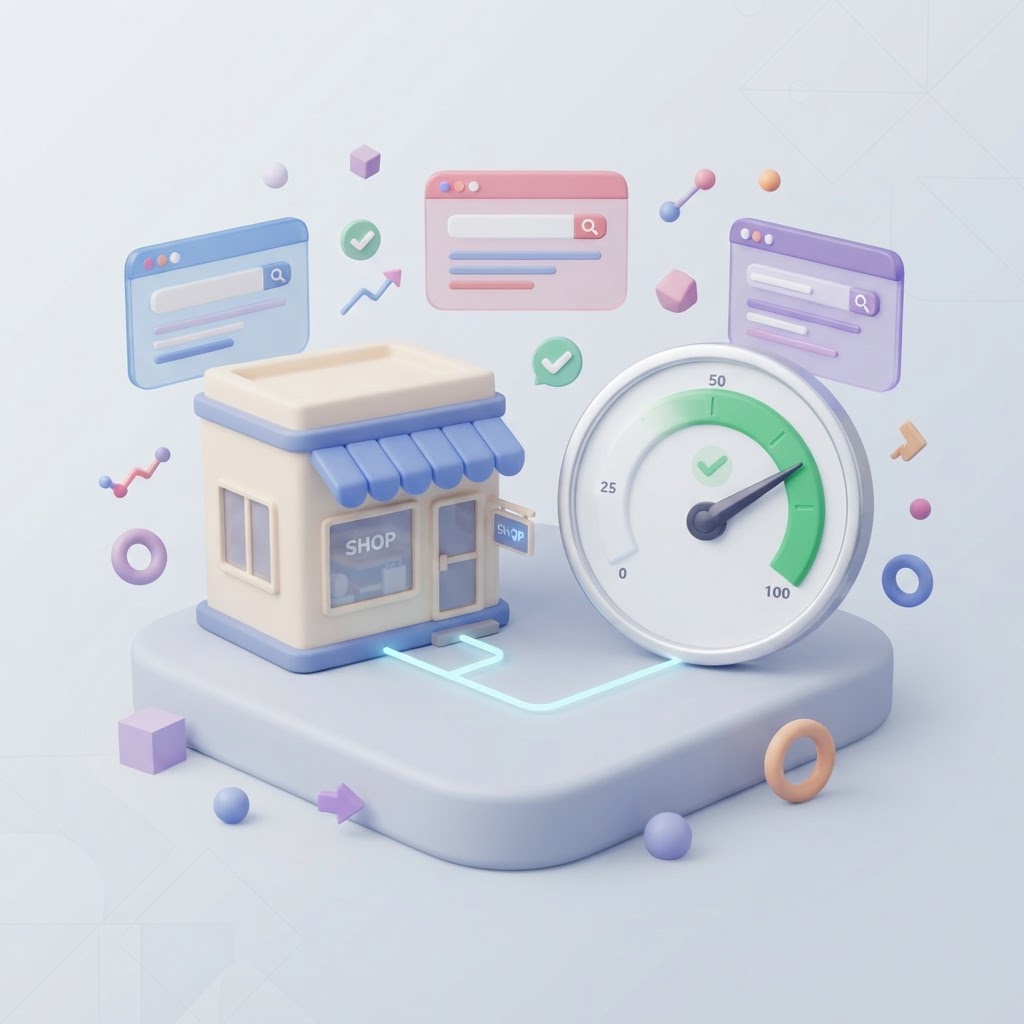
If you manage your own small business website, you have likely received an intimidating email from Google Search Console warning you about "Core Web Vitals" issues. The alerts are filled with acronyms like LCP, INP, and CLS, often marked in bright red. It is easy to panic and assume your website is broken.
Core Web Vitals are simply Google's standardized metrics for measuring how fast and user-friendly your website is in the real world. They do not measure your content quality or your keywords; they measure the physical experience of using your site. If your pages take too long to load, jump around while someone is reading, or freeze when a user clicks a button, your Core Web Vitals will fail.
Wondering whether speed is affecting your website?
See exactly which performance issues are slowing your site down — and how to fix them — in a free InspectRank report.
Get My Free ReportThis guide explains exactly what these metrics mean without the developer jargon, why they matter for your bottom line, and how you can fix the most common website problems causing these errors.
The Three Core Web Vitals Explained
Google evaluates your website's user experience using three specific measurements. To pass the Core Web Vitals assessment, your website must meet the minimum thresholds for all three.
1. Largest Contentful Paint (LCP): The Loading Test
LCP measures how long it takes for the largest piece of content on your screen to become fully visible. For most small business websites, this is the main "hero" image at the top of your homepage, a large headline, or a promotional video.
Google wants your main content to load almost instantly so the user knows the site is working. If your LCP is slow, visitors are left staring at a blank screen, increasing the chances they will hit the back button.
- Good: Under 2.5 seconds
- Needs Improvement: 2.5 to 4.0 seconds
- Poor: Over 4.0 seconds
2. Interaction to Next Paint (INP): The Responsiveness Test
In March 2024, Google replaced an older metric (First Input Delay) with INP. INP measures how quickly your website responds when a user interacts with it—like clicking a "Submit" button on a contact form, opening a mobile menu, or adding an item to a cart.
If a user taps a button and nothing happens for a full second, the site feels broken. INP failures are usually caused by heavy background code (JavaScript) tying up the browser so it cannot respond to the user's click.
- Good: Under 200 milliseconds
- Needs Improvement: 200 to 500 milliseconds
- Poor: Over 500 milliseconds
3. Cumulative Layout Shift (CLS): The Stability Test
Have you ever tried to click a link on a website, but right before your finger hits the screen, an ad or image loads, pushing the text down, and you accidentally click the wrong thing? That is a layout shift.
CLS measures visual stability. It tracks how much the elements on your page move around while the page is loading. A high CLS score means your website is frustrating to read and navigate.
- Good: Under 0.1
- Needs Improvement: 0.1 to 0.25
- Poor: Over 0.25
| Metric | What It Measures | Passing Score | Common Culprit |
|---|---|---|---|
| LCP | Loading Speed | Under 2.5s | Massive, uncompressed images |
| INP | Responsiveness | Under 200ms | Too many third-party scripts |
| CLS | Visual Stability | Under 0.1 | Images without defined dimensions |
Why Small Businesses Cannot Ignore Core Web Vitals
Core Web Vitals are not just an arbitrary technical test; they directly impact your search visibility and your revenue.
First, they are an official Google ranking factor. While having a fast website will not magically make you outrank a competitor with vastly superior content, a slow website acts as a penalty. If you and a competitor have equally helpful content, Google will rank the faster, more stable website higher.
Second, website speed impacts your local search rankings and conversion rates. According to a 2026 analysis by Core Web Vitals Impact Conversion: Real Data on Speed and Sales, small business websites that passed the LCP threshold (under 2.5 seconds) averaged a 4.2% conversion rate. Sites that took longer than 4 seconds to load saw their conversion rates drop to 2.8%. That is a 33% drop in leads and sales simply because the website made users wait an extra second and a half.
How to Test Your Website's Core Web Vitals
Do not rely on your own experience to judge your website's speed. Because you visit your own site frequently, your browser saves (caches) the images and files, making it load instantly for you. New visitors will not have that luxury.
To get accurate data, use Google's free tools. The best starting point is the Core Web Vitals report inside Google Search Console. This report shows you exactly which pages are failing and why.
For testing individual pages, use Google's PageSpeed Insights tool. When you enter your URL, you will see two different types of data:
Wondering whether speed is affecting your website?
See exactly which performance issues are slowing your site down — and how to fix them — in a free InspectRank report.
Get My Free Report- Discover what your real users are experiencing (Field Data): This is data collected from actual Chrome users visiting your site over the last 28 days. This is the only data Google uses for search rankings.
- Diagnose performance issues (Lab Data): This is a simulated test run by Google's servers at that exact moment. It is useful for testing fixes, but it does not impact your SEO.
If your Lab Data shows a poor score, but your Field Data says your real users are passing the Core Web Vitals assessment, you do not need to panic. Always prioritize Field Data.
4 DIY Ways to Fix Core Web Vitals (No Developer Required)
If your website is failing, you do not necessarily need to hire an expensive agency to rebuild it. Many Core Web Vitals issues stem from basic maintenance errors that small business owners can fix themselves, especially on platforms like WordPress, Shopify, or Wix.
1. Compress and Resize Your Images (Fixes LCP)
The number one cause of a failing LCP score is uploading massive, print-quality photos to your website. A modern smartphone takes photos that are 4,000 pixels wide and 5 megabytes in size. A website only needs an image to be about 1,200 pixels wide and under 200 kilobytes.
Before uploading any image, run it through a free compression tool like TinyPNG. If you use WordPress, install an image optimization plugin that automatically converts your images to modern, lightweight formats like WebP.
2. Add Width and Height Attributes to Images (Fixes CLS)
If your text jumps around while the page loads, it is usually because the browser does not know how much space to leave for an image that is still downloading. Once the image finally loads, it shoves the text out of the way.
You can fix this by ensuring every image on your site has a defined width and height in the code or in your website builder's settings. This tells the browser to reserve a blank box of the exact right size while the image loads, keeping the rest of the page perfectly stable.
3. Audit Your Third-Party Scripts (Fixes INP)
Every time you add a new tool to your website—a live chat widget, a Facebook tracking pixel, a pop-up form, or a review widget—you are adding JavaScript. If you have too many of these scripts running at the same time, the browser gets overwhelmed and cannot respond when a user tries to click a button, causing your INP score to fail.
Review all the plugins and tracking codes installed on your site. If you are no longer using a tool, delete it entirely. For the tools you do need, look for settings in your website platform to "defer" JavaScript, which tells the browser to load the visual content first and the background scripts later.
4. Enable Page Caching
Every time someone visits your website, the server has to assemble the page from scratch, pulling text from a database and images from a folder. This takes time. Caching creates a static, pre-built snapshot of your page and serves it to visitors instantly.
If you use WordPress, installing a reputable caching plugin is often the fastest way to shave a full second off your LCP time. Many managed hosting providers now include caching by default—check your hosting dashboard to ensure it is turned on.
When to Stop Obsessing Over Your Score
According to Understanding Core Web Vitals and Google search results, Google's goal is to ensure a smooth user experience, not to force every website to achieve a perfect 100/100 score on PageSpeed Insights.
Small business owners often waste hours trying to fix minor technical warnings that have no real-world impact. If your Google Search Console report shows that your URLs are "Good" based on real-world Field Data, your job is done. You have passed the test. Shift your focus back to creating helpful content, earning local reviews, and running your business.
Sources & references
See what InspectRank finds on your website
Get a clear report covering website SEO, technical health, local visibility and AI search readiness.
Get My Free ReportRelated guides
Testimonial Page SEO: How to Structure Customer Success Stories for Google
Stop hiding your best customer success stories on a generic page. Learn how to structure your testimonial page for SEO, E-E-A-T, and higher conversions.
How Embedded Booking Widgets Are Ruining Your Small Business SEO (And How to Fix It)
Embedded booking widgets make scheduling easy, but they might be destroying your local search rankings. Here is why Google hates iframes and how to fix your service pages.
PDF SEO: How to Optimize Menus, Guides, and Whitepapers for Google
Google indexes PDFs, but they often create terrible mobile experiences. Learn how restaurants, retailers, and B2B consultants can optimize PDFs for search visibility.
How to Track Website Form Submissions and Button Clicks in GA4
Stop guessing if your website is generating leads. Learn how small businesses can accurately track form submissions and button clicks in GA4 using Enhanced Measurement and Google Tag Manager.

Website Trust Signals: How to Turn Local Search Traffic Into Paying Customers
Ranking on Google isn't enough if your website doesn't convert. Learn how local businesses use website trust signals to turn search traffic into paying customers.